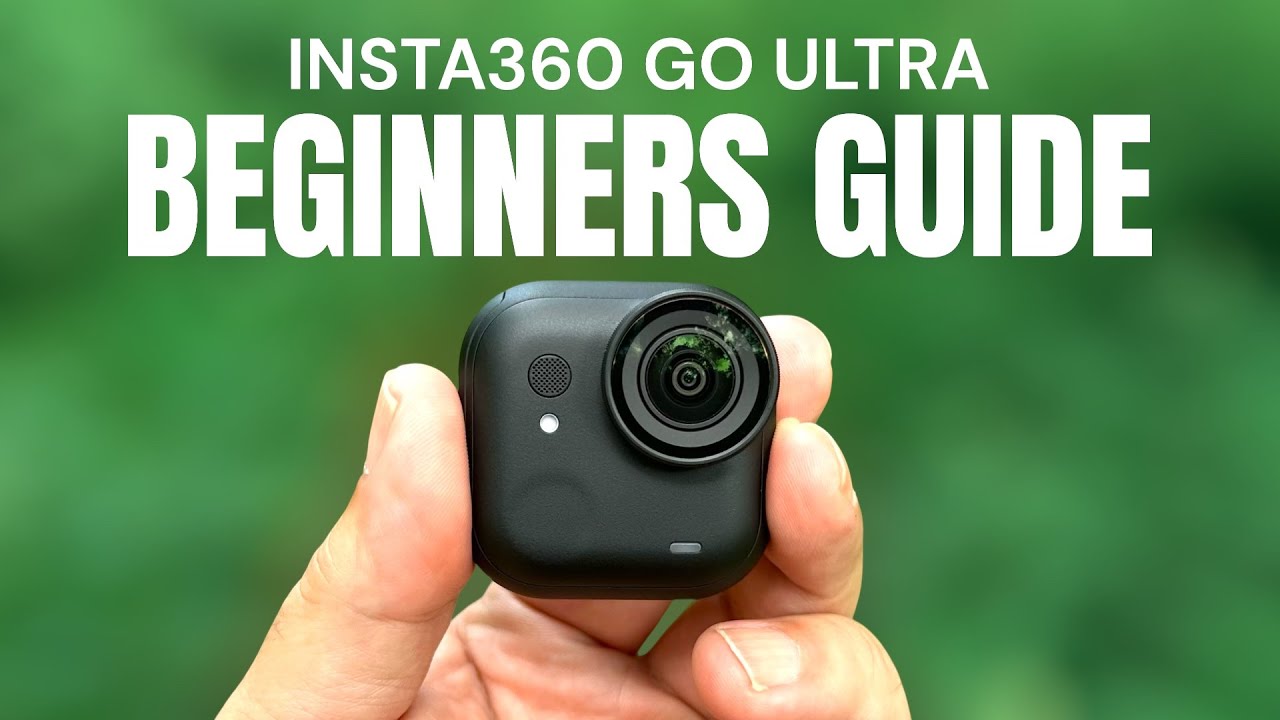
Insta360 GO Ultra Beginners Guide and Tutorial

דרג סרטון זה
התחבר כדי לדרג
תיאור
This is my beginners guide and tutorial for the new upgraded insta360 GO Ultra. This beginners guide is geared to those who have never used one and need to learn the basics on how to use the camera. We keep this simple and go over the hardware and functionality of the camera and other things you need to do before you can use the camera. We cover topics such as updating the firmware, charging the camera, installing memory, menu system overview, different ways to capture and how to transfer content to your mobile device for editing or sharing.
Insta360 GO Ultra (Insta360 Store) https://bit.ly/AirPhotographyGOUltra.
Insta360 GO Ultra (USA) https://amzn.to/47Sbwa7
Insta360 GO Ultra (CAN) https://amzn.to/3UPgywF
Go Ultra Accessories
Easy Clip Headband: https://amzn.to/45ZYsgD
Magnetic Easy Clip: https://amzn.to/3JL9miF
Protective Frame: https://amzn.to/3HZh2xb
Dive Case: https://amzn.to/47E8dUf
Aqua Lens: https://amzn.to/462W0pH
Ultra Sticky Tabs: https://amzn.to/462W0pH
ND Filters: https://amzn.to/41ugFRW
Carrying Case: https://amzn.to/4lOpBsz
Action Mount: https://amzn.to/4lUkxD9
Pivot Stand: https://amzn.to/4lYBb4x
Air Mic: https://amzn.to/3VnJcVM
Links may contain Amazon Associate or other affiliate IDs. As a result, we may receive a small portion of the sale.
Become an "Air Crew" member for behind-the-scenes and bonus perks:
https://www.youtube.com/channel/UCoKMBuQ8YejlCbNm77Z...