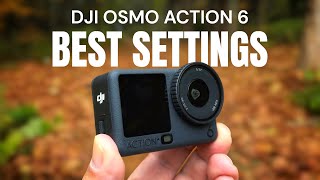
DJI Osmo Action 6 Beginners Guide and Tutorial

דרג סרטון זה
התחבר כדי לדרג
תיאור
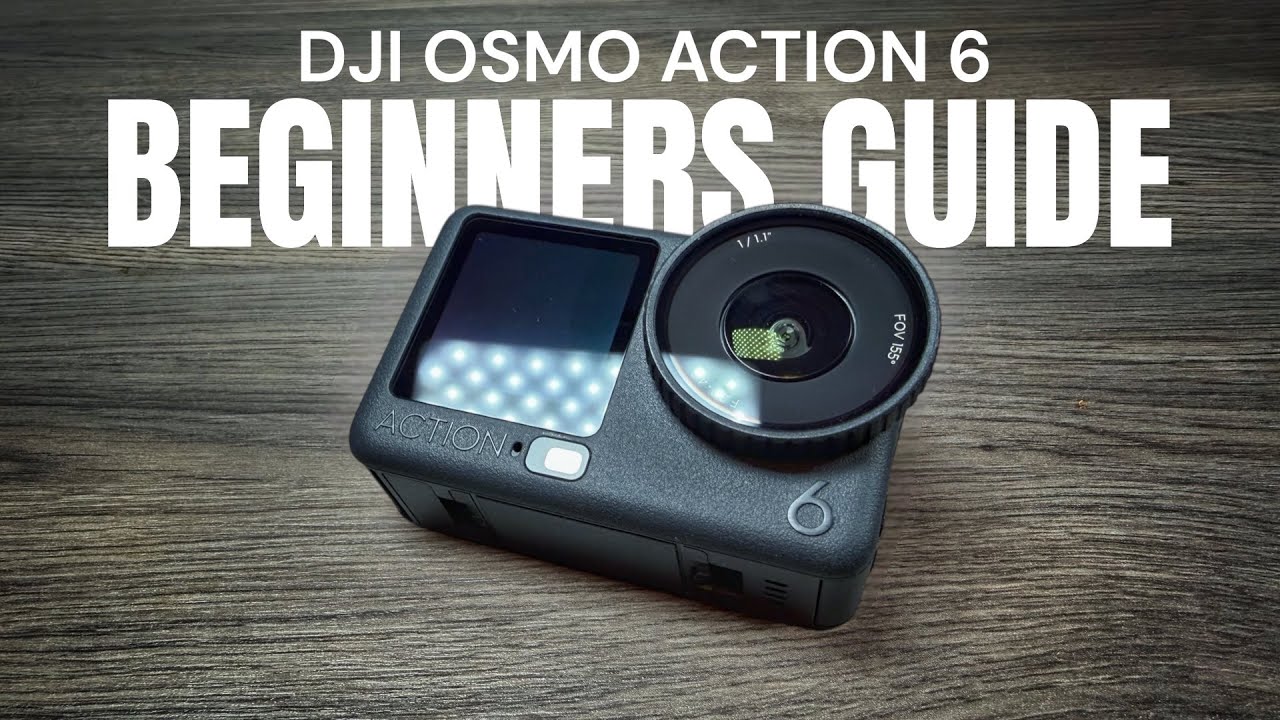
This is my beginners guide for the new DJI Osmo Action 6. This user guide and tutorial is geared to those who have never used an action camera before to help get them familiarized with the hardware and basic functionality. We go over many topics that a new user will need to know to get out and capturing with their new camera. Some of the subjects that we cover in the beginners guide and tutorial are activating the camera and updating the firmware, charging and memory, overview of menus and buttons and how to change modes. We also talk about the various ways you can capture on your DJI Osmo Action 6.
DJI Osmo Action 6 (DJI Store) https://bit.ly/osmo-action-6
DJI Osmo Action 6 (USA) https://amzn.to/489mpmI
DJI Osmo Action 6 (CAN) https://amzn.to/49vIqhX
DJI Mic 3 Transmitter (USA) https://amzn.to/45Ze8R7
DJI Mic 3 Transmitter (CAN) https://amzn.to/4mXA7yG
DJI Mic Mini Transmitter (USA) https://amzn.to/3B8iObR
DJI Mic Mini Transmitter (CAN) https://amzn.to/3CJgoB4
Chapters
00:00 - introduction
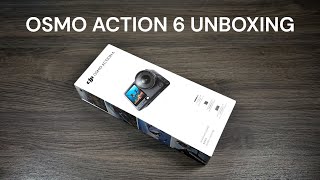
01:03 - contents of package
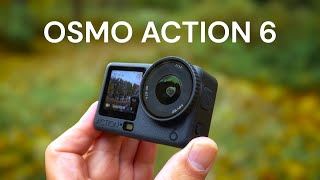
02:02 - overview and button layout of camera
04:34 - how to install battery and memory card
05:33 - magnetic mounts and mounting
07:39 - how to charge Osmo Action 6
11:49 - how to activate the camera and update the firmware
14:32 - Osmo Action 6 menu overview
15:55 - how to access settings
16:07 - how to switch back-and-forth between internal memory and memory card
17:54 - how to preview media that you’ve captured
19:45 - how to adjust frame rate and resolution
20:13 - stabilization and FOV explanation and adjust adjustment
22:40 - how to change the aspect ratio
25:11 - how to switch to the different capture modes
27:41 - four ways to initiate a capture
27:50 - using voice control on Osmo Action 6
29:19 - gesture control with the Osmo Action 6
29:50 - how to capture using snapshot
30:40 - how to pair a DJI mic to the Osmo Action 6
32:36 - how to transfer content to your mobile device or computer
35:48 - using your smart phone as a remote for your Osmo action 6
Links may contain Amazon Associate or other affiliate IDs. As a result, we may receive a small portion of the sale.
Become an "Air Crew" member for behind-the-scenes and bonus perks:
https://www.youtube.com/channel/UCoKMBuQ8YejlCbNm77Z...