DJI Osmo Pocket 4 Beginners Guide and Tutorial

דרג סרטון זה
התחבר כדי לדרג
תיאור
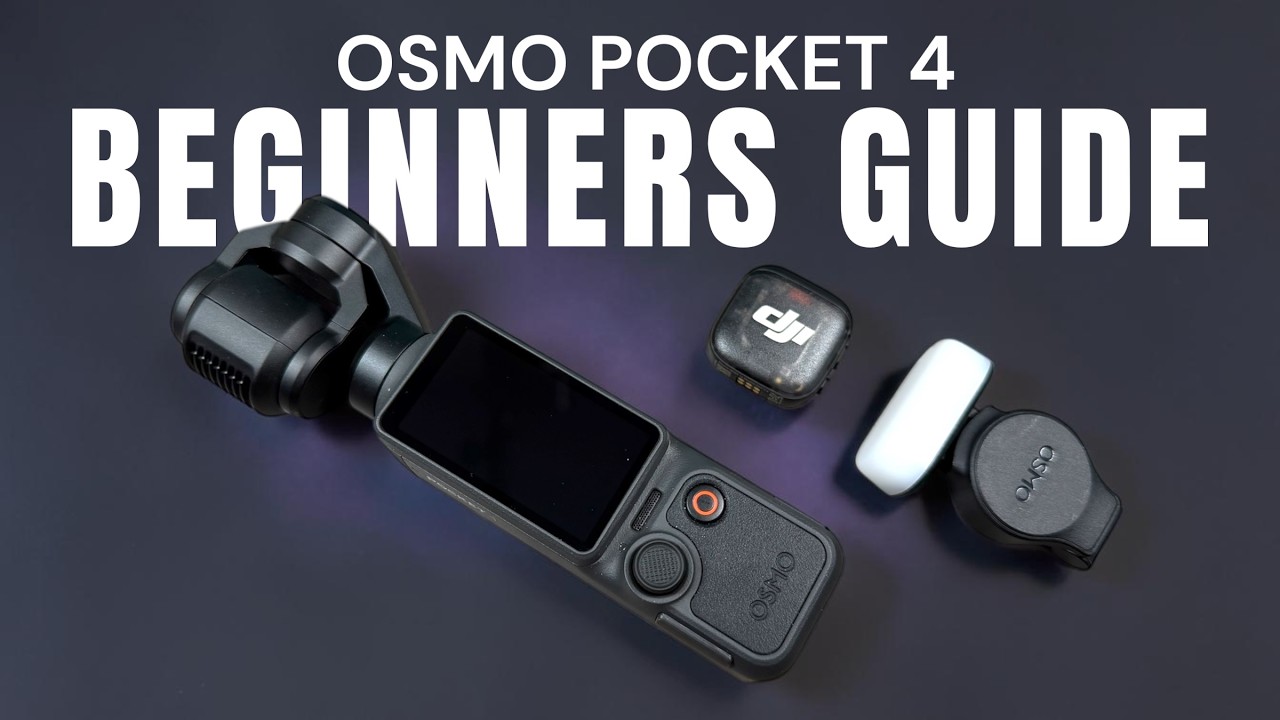
This beginners guide for the DJI Osmo Pocket 4 is a great starting point for those who are new and want to learn how to use it. We keep this user guide and tutorial simple as we go over all the hardware and basic functionality. The DJI Osmo Pocket 4 is a powerful tool for creators and vloggers especial when utilized with all the accessories that come in the creator combo. In this video we go over topics such as firmware update and activation, button layout, menu system, charging and memory. We also demonstrate the 4 ways in which you can capture content and how to use the fill light and microphone. At the end of the video we demonstrate how to connect to the DJI Mino app to use your mobile device as a remote and how to transfer content from the DJI Osmo Pocket 4 to your phone or tablet.
Pocket 4 Standard Combo: https://amzn.to/3OEtHsR
Pocket 4 Creator Combo: https://amzn.to/3QJ7DxG
Pocket 4 Fill Light: https://amzn.to/4cBejoY
Pocket 4 Battery Handle: https://amzn.to/4mE3Tte
00:00 - introduction
00:21 - package options
01:29 - optional accessories
01:52 - hardware overview
06:49 - installing memory and internal storage
07:32 - how to charge
10:15 - activating and updating firmware
11:37 - menu and interface overview
14:42 - switch between memory card and internal memory
17:06 - switch between portrait and horizontal
18:50 - four ways to initiate capture
22:28 - new customizable button set up
23:15 - joystick functionality
27:50 - basic tracking
32:00 - using a microphone
36:44 - fill light functionality
39:50 - play back of captured media
42:00 - using the DJI Mimo App as remote
44:04 - transferring content to mobile device
Links may contain Amazon Associate or other affiliate IDs. As a result, we may receive a small portion of the sale.
Become an "Air Crew" member for behind-the-scenes and bonus perks:
https://www.youtube.com/channel/UCoKMBuQ8YejlCbNm77Z...