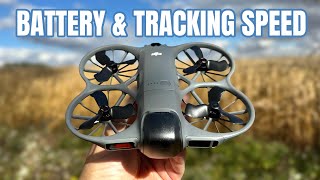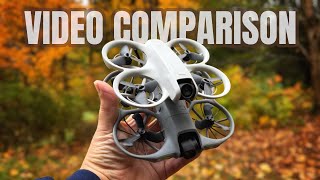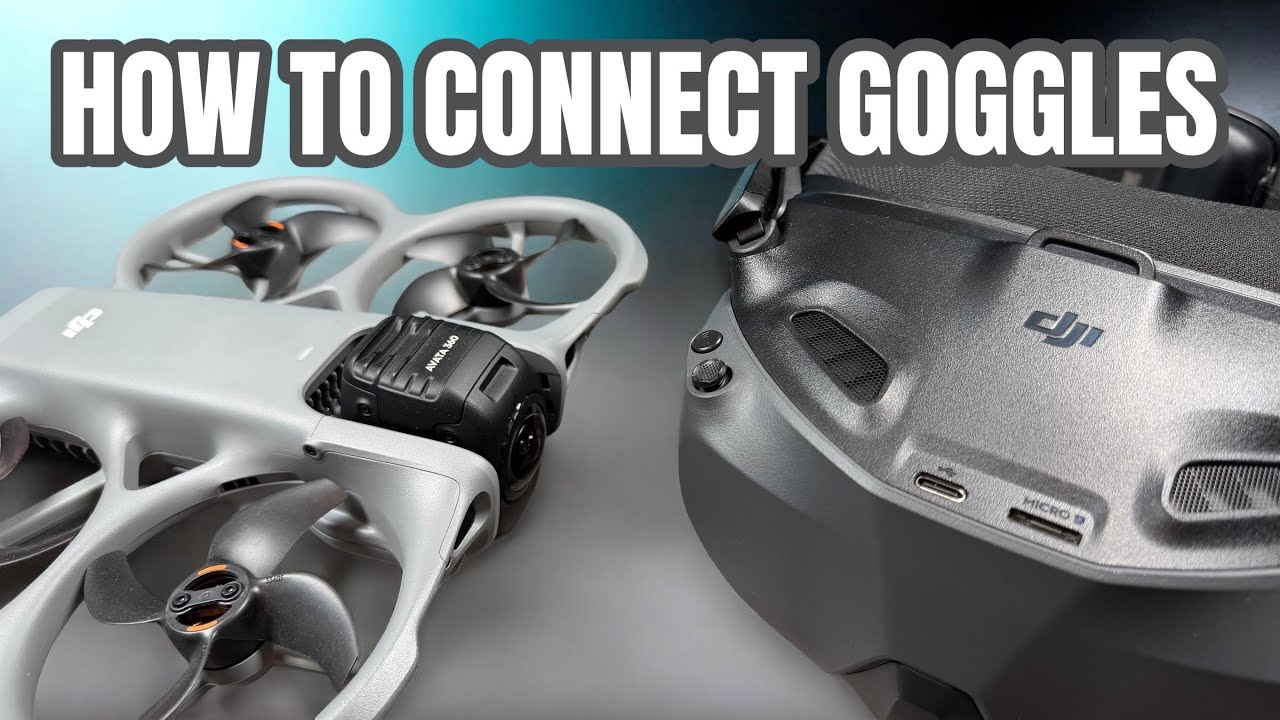
DJI Avata 360 - How To Bind Goggles and Controller
דרג סרטון זה
התחבר כדי לדרג
תיאור
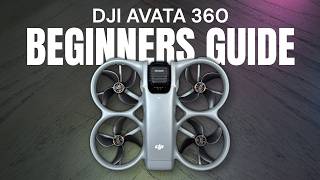
If you have purchased the DJI Avata 360 and you need to connect goggles or a controller to it, in this video I show you step by step how to pair goggles and controllers to the DJI Avata 360. When it comes to controllers the DJI Avata 360 is currently compatible with the FPV 3 controller, Motion 3 Controller, RCN2, RCN3 and the DJI RC 2. However when flying with goggles you can only use the FPV3 and Motion 3 controller. As for goggles the DJI Avata 360 is compatible with the Goggles 3 and Goggles N3. Binding googles and controllers is an easy task the important thing to note is that you must be running the latest firmware on all devices to make sure they are compatible.
DJI Avata360 (DJI Website) https://bit.ly/avata-360
Avata 360 With Goggles: https://amzn.to/4bDXU2w
Avata 360 With RC 2: https://amzn.to/4lTVcuK
Avata 360 Battery: https://amzn.to/4sxKQ62
Avata 360 Lens Replacement: https://amzn.to/4lVbGTt
DJI Goggles N3 (DJI Store) https://bit.ly/4ehVLZZ
DJI Goggles N3 (USA) https://amzn.to/3ZM8YGd
DJI Goggles N3 (CAN) https://amzn.to/3OSmx0x
DJI Goggles 3 (USA) https://amzn.to/3QdqUEx
DJI Goggles 3 (CAN) https://amzn.to/4b12KVR
DJI FPV Controller 3 (USA) https://amzn.to/43VIJNU
DJI FPV Controller 3 (CAN) https://amzn.to/3TZYC1g
DJI Motion 3 (USA) https://amzn.to/3AV7bEV
DJI Motion 3 (CAN) https://amzn.to/4gvhks
Links may contain Amazon Associate or other affiliate IDs. As a result, we may receive a small portion of the sale.
Become an "Air Crew" member for behind-the-scenes and bonus perks:
https://www.youtube.com/channel/UCoKMBuQ8YejlCbNm77Z...