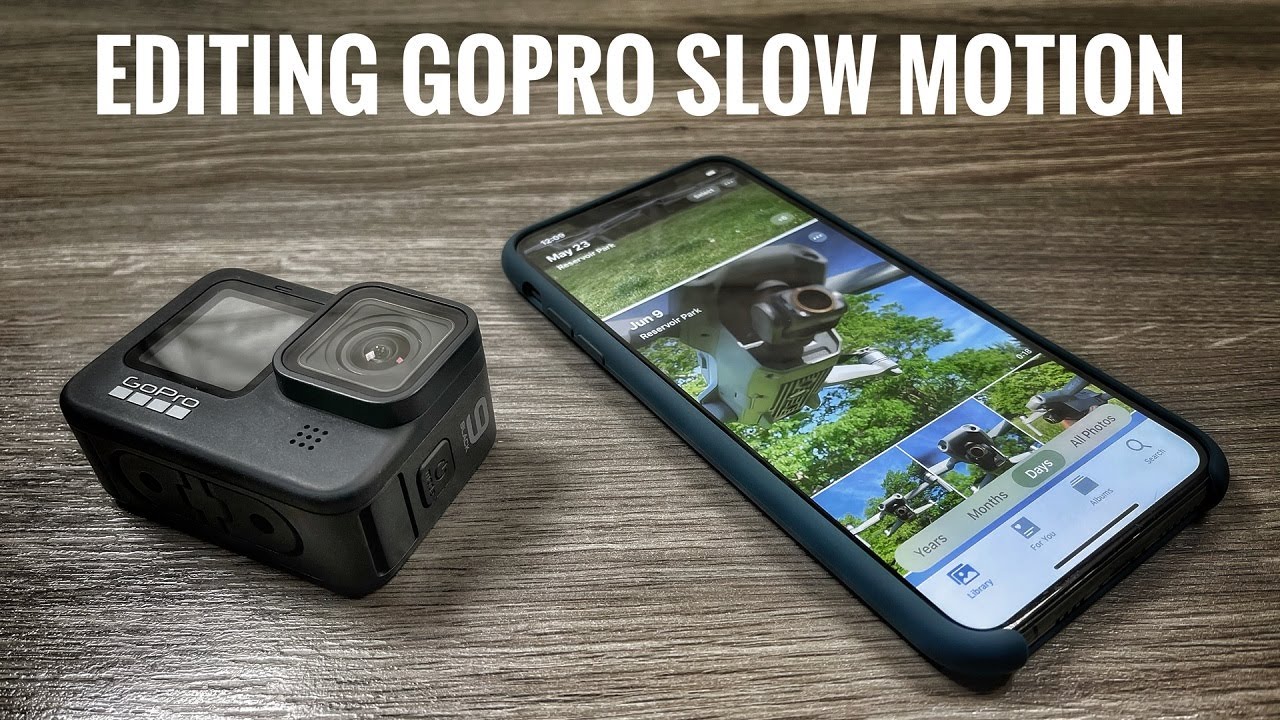
GoPro Slow Motion Tutorial | How To Edit Slow Motion Footage

דרג סרטון זה
התחבר כדי לדרג
תיאור
In this tutorial, I go over how to edit your GoPro slow-motion footage in apps such as LumaFusion and iMovie. We go over the basics explaining what slow motion is and how it works when capturing it on devices like a GoPro, Drone, or other cameras. It's important to understand frame rates when editing your slow motion footage and how it affects the playback speed.
My Filming Gear
Hero 9 Black: https://amzn.to/3m3cwgE
GoPro Max: https://amzn.to/353rI58
Insta360 One X2: https://amzn.to/2X9tcIV
DJI Mavic 2 Pro: http://bit.ly/2PVuaDU
DJI Mavic Air 2: https://amzn.to/2FOi3Iw
DJI Mini 2: https://bit.ly/32O1dlp
GoPro Seeker Backpack: https://amzn.to/35bHu01
LowePro Drone BackPack: https://amzn.to/2PMEMYr
Rode Wireless Go: https://amzn.to/2XgELxP
Rode Video Micro: https://amzn.to/2Yupppt
All my YouTube videos are filmed on an iPhone and edited on an iPad Pro in LumaFusion. I am a minimalist/mobile YouTube creator. I like to keep things simple.
My Editing Gear
12.9" iPad Pro 2018: https://amzn.to/2qQdKBo
Apple Pencil 2: https://amzn.to/2Biz88x
Apple Card Reader (USB-C): https://amzn.to/2DvspJG
Sandisk 1TB SSD: https://amzn.to/2PnLt0S
USB-C PD Power Bank (USA) https://amzn.to/2Sp1FyM
Links may contain Amazon Associate or other affiliate ID's.
#GoPro #Slowmotion #Tutorial