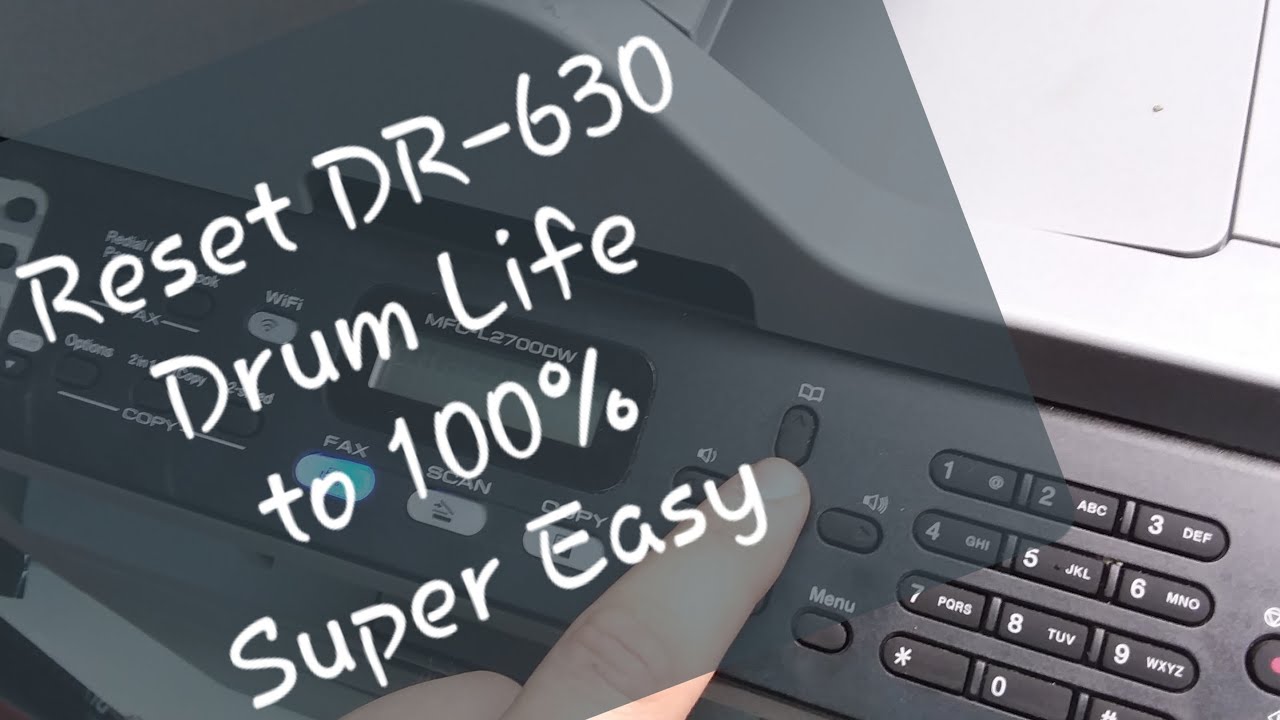
איך לאפס את מדפסת הלייזר Brother Drum DR-630 MFC-L2700DW
דרג סרטון זה
התחבר כדי לדרג
תיאור
To reset printer drum on MFC-L2700DW printer, follow these directions on video. 1.Make sure printer is ON 2.Open front cartridge access cover 3.Press and hold "OK" button for 3 seconds or until "Reset Drum?" message appears. 4.Press "1" for "Yes" 5.Close cover. Your printer's drum life is now at 100%. If you start getting faint or prints with lines after a few resets, it is time to replace the drum unit. Ebay sells them very cheap. Most are great quality drums. Please like this video and subscribe to our channel for more tips. Our eBay store: https://www.ebay.com/str/303electronics #BrotherPrinter