
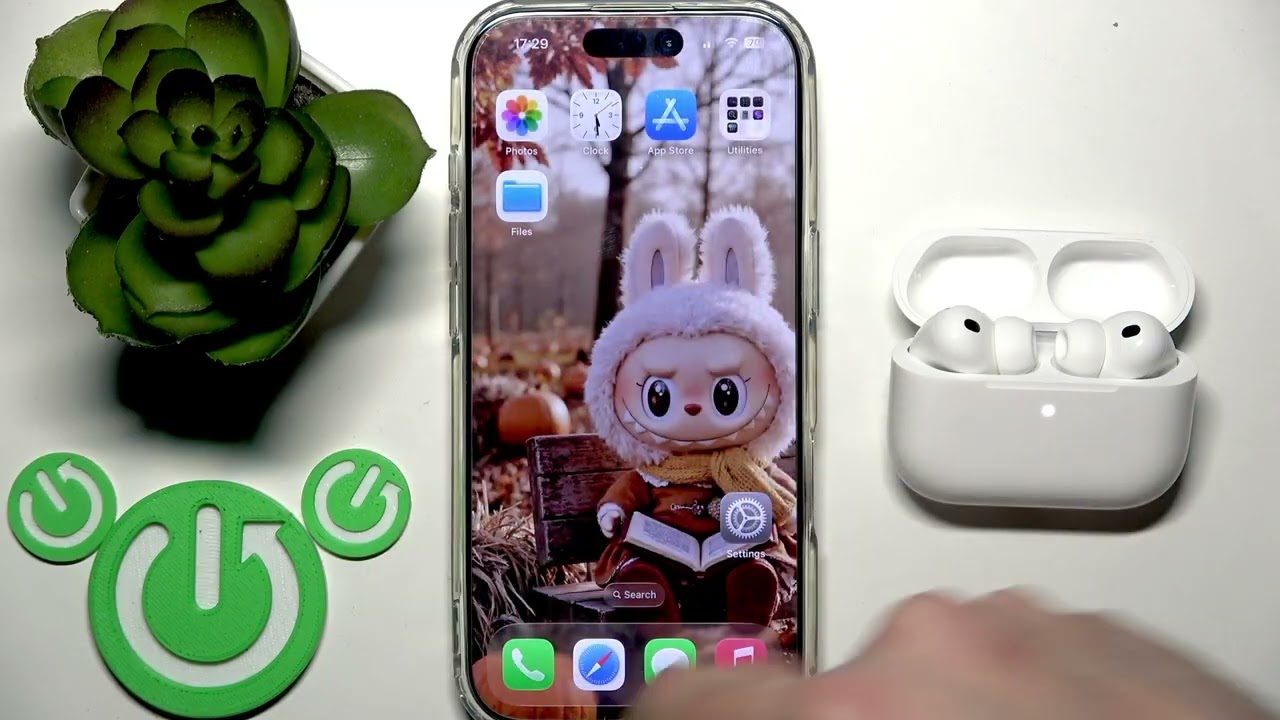
AirPods Pro 3 – איך לתקן רמת סוללה לא אמינה
דרג סרטון זה
התחבר כדי לדרג
תיאור
If your AirPods Pro 3 are showing an unreliable or incorrect battery level, this video will help you solve the problem step by step. Learn how to reset the battery indicator for your AirPods Pro 3 earphones and charging case, and what to do if the battery percentage is not updating or seems stuck. We’ll cover simple troubleshooting methods, including placing your AirPods in the charging case, waiting for the battery status to refresh, and performing a factory reset if needed. This guide is perfect for anyone experiencing battery level issues with their AirPods Pro 3, whether you use them with an iPhone or another device. Follow along to get your AirPods Pro 3 battery indicator working correctly again. How to fix unreliable battery level on AirPods Pro 3? How to reset AirPods Pro 3 battery indicator? Why is my AirPods Pro 3 battery percentage not updating? 0:00 Introduction 0:08 Place AirPods Pro 3 in charging case 0:22 Wait and check battery level update 0:37 What to do if battery level is still wrong 0:41 How to perform a factory reset on AirPods Pro 3 1:05 Reconnect AirPods Pro 3 to your device 1:41 Troubleshooting connection and battery display 2:29 Final tips and conclusion #AirPodsPro3 #AirPodsBatteryFix #AppleEarphones #BatteryLevelIssue Find out more: https://www.hardreset.info/devices/apple/apple-airpods-pro-3/fix-battery-level-my-earphones-not-reliable/ Follow us on Instagram ► https://www.instagram.com/hardreset.info Like us on Facebook ► https://www.facebook.com/hardresetinfo/ Tweet us on Twitter ► https://twitter.com/HardResetI Support us on TikTok ► https://www.tiktok.com/@hardreset.info Use Reset Guides for many popular Apps ► https://www.hardreset.info/apps/apps/


![נין הרב עובדיה חדד מהגאונים הישישים בשיעורי הינוקא לפני 16 שנה נקרא על שם רבינו הגאון שליטא [משוחזר]](https://i.ytimg.com/vi/1B2ffQsr9SE/hqdefault.jpg)


