How to make your Landscape photos LOOK BETTER FAST. Photoshop Tutorial

דרג סרטון זה
התחבר כדי לדרג
תיאור
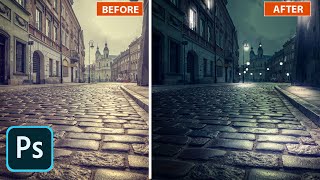
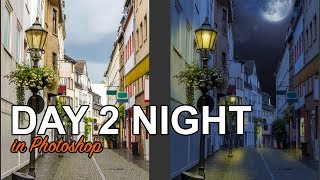
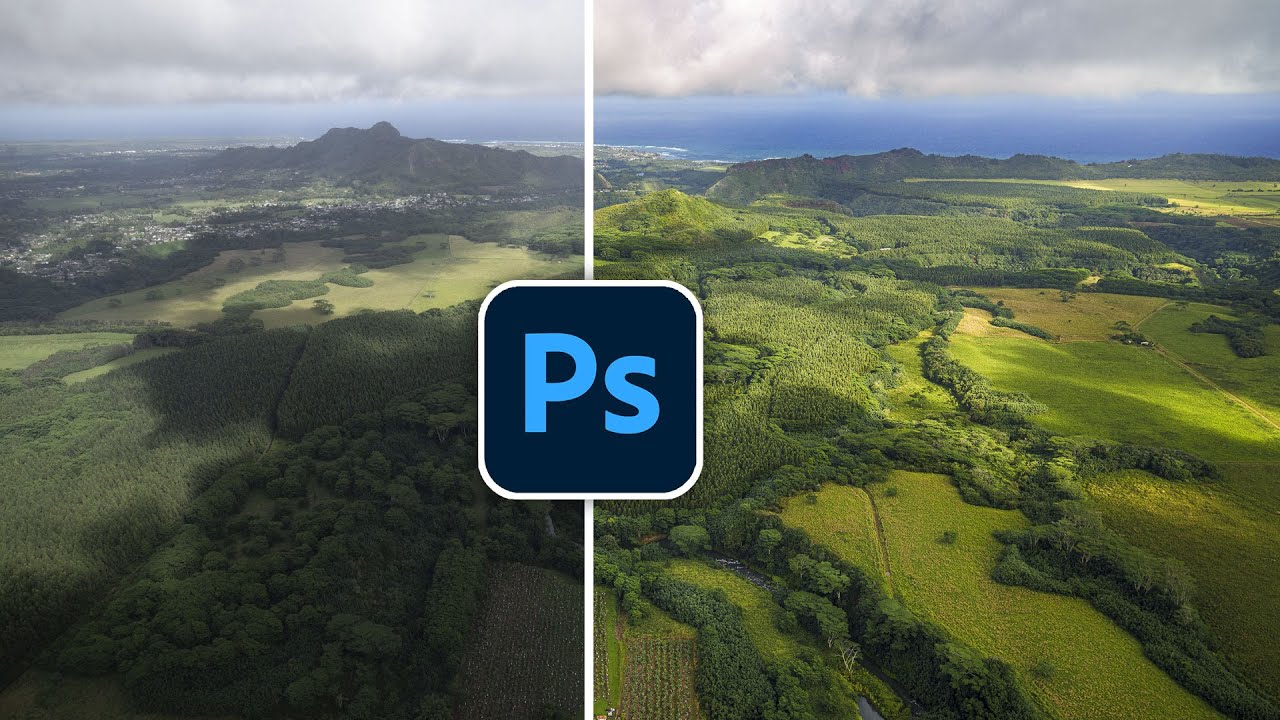
How to make your landscape photos look better in Photoshop in 2022. Colin Smith shows you his photo editing workflow to make a dramatic change to your photos to make them looks better in photoshop and camera Raw.
00:00 Intro
00:06 Open RAW Photo
00:19 Adobe Camera Raw
00:30 Color Profiles
1:07 Camera Raw Adjustments
3:26 Texture / Clarity / Dehaze (why I don’t use clarity)
4:45 Lens corrections to remove distortion, vignette and fringing
6:00 Open as Smart object
6:35 Dodge and Burn for composition
8:35 Wacom pen settings (optional)
13:49 Dodge and Burn for Dimension
17:31 2nd Camera Raw Pass
18:57 High Pass Sharpening
► Free Photoshop add ons: https://photoshopcafe.com/vault
► THE GEAR I USE: https://www.amazon.com/shop/photoshopcafe
► THE MUSIC I USE: http://share.epidemicsound.com/photoshopcafe
► SUBSCRIBE FOR MORE VIDS: https://www.youtube.com/user/photoshopcafe?sub_confi...
► PREMIUM COURSES: https://photoshopCAFE.com/video
► INSTAGRAM: https://www.instagram.com/photoshopcafe/
► WEB: https://photoshopcafe.com
► FACEBOOK: https://www.facebook.com/photoshopCAFE
► TWITTER: https://twitter.com/photoshopCAFE
#Photoshop #photo #better #landscape