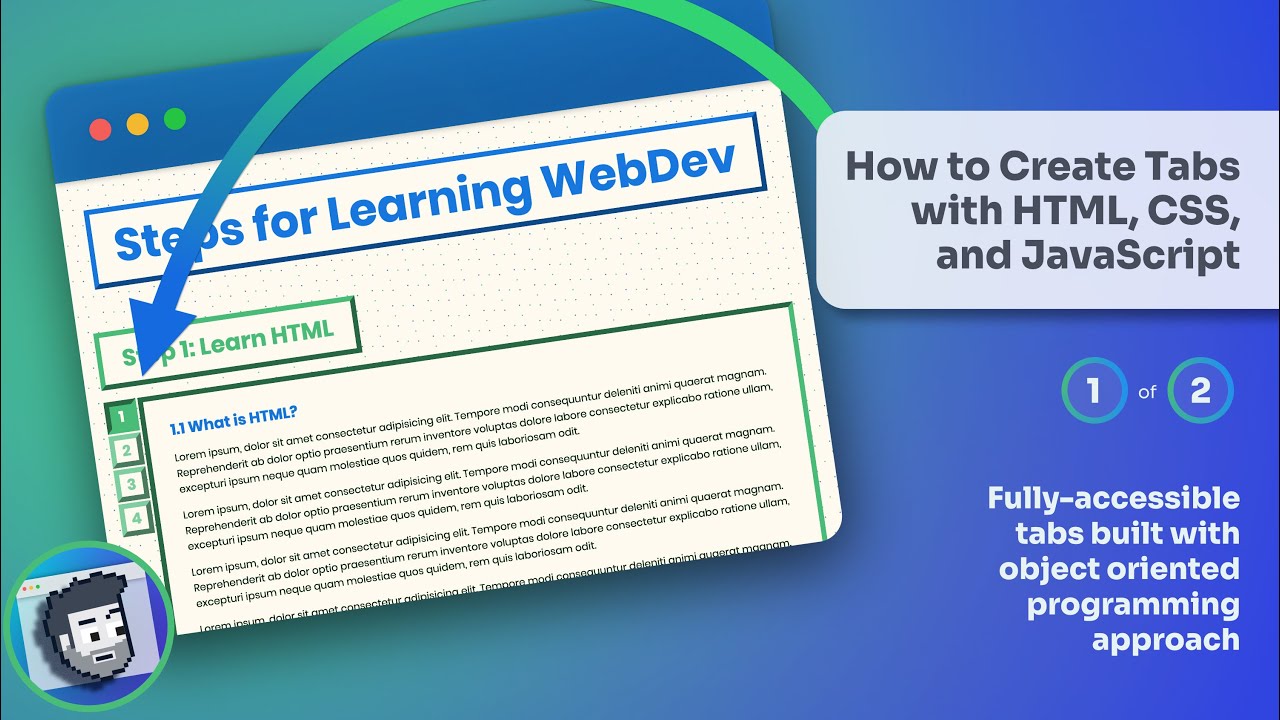
How to Create Tabs with HTML, CSS, and JavaScript (Part 1 of 2)
דרג סרטון זה
התחבר כדי לדרג
תיאור
Creating tabs with JavaScript, HTML, and CSS introduces several challenges. 1. It's crucial that components like tabs are accessible, so we'll spend a lot of time ensuring we provide support for click and keyboard events and that we provide proper aria attributes. 2. Additionally, to make the tabs component as reusable as possible, we'll use a JavaScript class to follow a more object oriented style to our scripting. 3. Finally, we'll load the file as a module to scope the In this first video, we'll cover the HTML and CSS. 🔗 Key Links 🔗 - Github: https://github.com/coding-in-public/accessible-tab-component/ - Live Code: https://codinginpublic.dev/projects/accessible-tab-component/ - YouTube Playlist for this project: https://www.youtube.com/watch?v=nGs8c2rfQt0&list=PLoqZcxvpWzzfHCKDahnet8KSq19zLqPtc --------------------------------------- 📹 Related/Mentioned Videos 📹 - Dynamic font sizing: https://youtu.be/Moely7aPYGE - Explanation of HSL variables: https://youtu.be/5DZv0G8jmMA --------------------------------------- 🔗 Other Links 🔗 - w3.org best practices link: https://www.w3.org/TR/wai-aria-practices-1.1/examples/tabs/tabs-1/tabs.html --------------------------------------- ⏲️ Timestamps ⏲️ 0:00 Introduction 3:39 Dev environment setup 4:34 HTML 13:44 CSS --------------------------------------- 🌐 Connect With Me: Website: https://www.codinginpublic.dev Blog: https://www.chrispennington.blog Twitter: https://twitter.com/cpenned