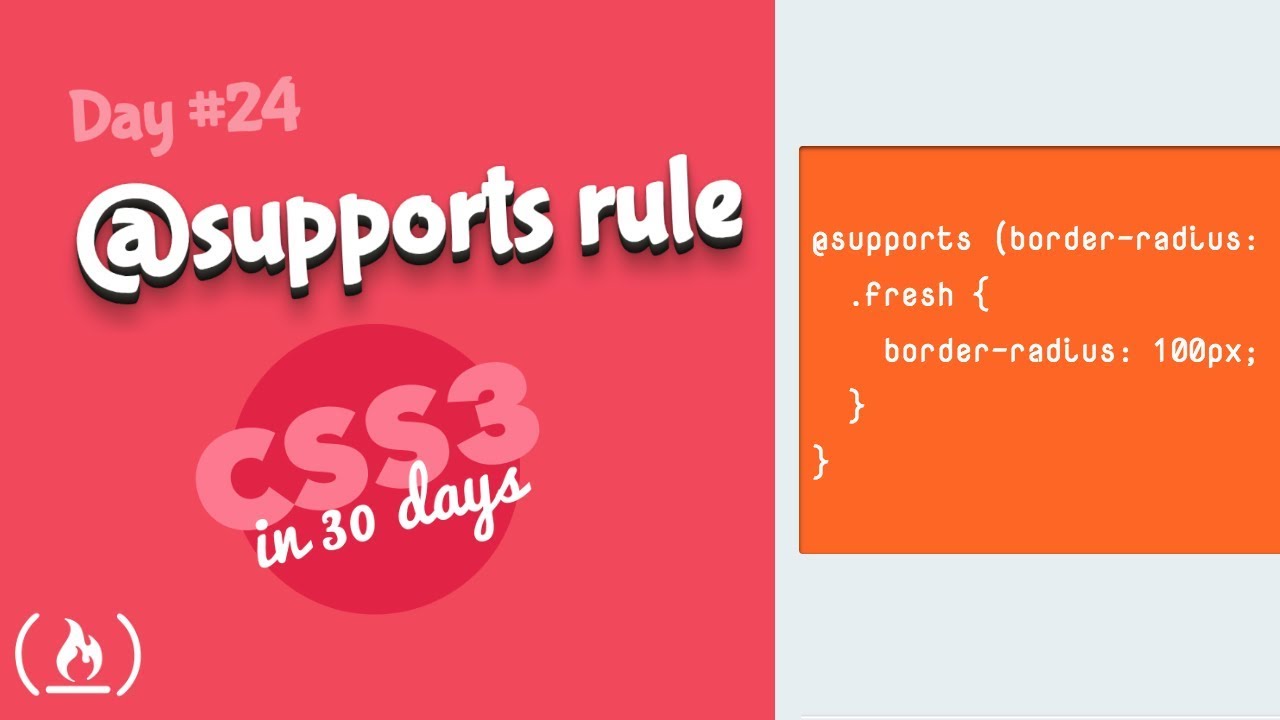
@supports Rule: CSS Tutorial (Day 24 of CSS3 in 30 Days)

דרג סרטון זה
התחבר כדי לדרג
תיאור
The @supports rule allows you to check if a browser supports a specific css rule. Learn how to use it in this video.
⭐️Files you need ⭐️
💻Supports Code: https://www.dropbox.com/sh/3ijnisickoa1pk4/AAD9ujKUG...
💻All tutorials in this series need this "_theme-styles" directory (only download once): https://www.dropbox.com/sh/890hx6ke34oovaz/AAByJ-jb-...
This video works as a stand-alone tutorial but is also day 24 of CSS3 in 30 Days. For the rest of the series, check out this playlist: https://www.youtube.com/playlist?list=PLWKjhJtqVAbl1...
CSS3 in 30 Days is developed by Brad Hussey. Check out his website for more great tutorials: https://codecollege.ca/
--
Learn to code for free and get a developer job: https://www.freecodecamp.org
Read hundreds of articles on programming: https://medium.freecodecamp.org
❤️ Support for this channel comes from our friends at Scrimba – the coding platform that's reinvented interactive learning: https://scrimba.com/freecodecamp









![קורס מזורז למתחילים ב-Git & GitHub [2026]](https://img.youtube.com/vi/mAFoROnOfHs/mqdefault.jpg)