עיצוב אתר תיק עבודות עם Adobe XD - האלמנטים האינטראקטיביים

דרג סרטון זה
התחבר כדי לדרג
תיאור
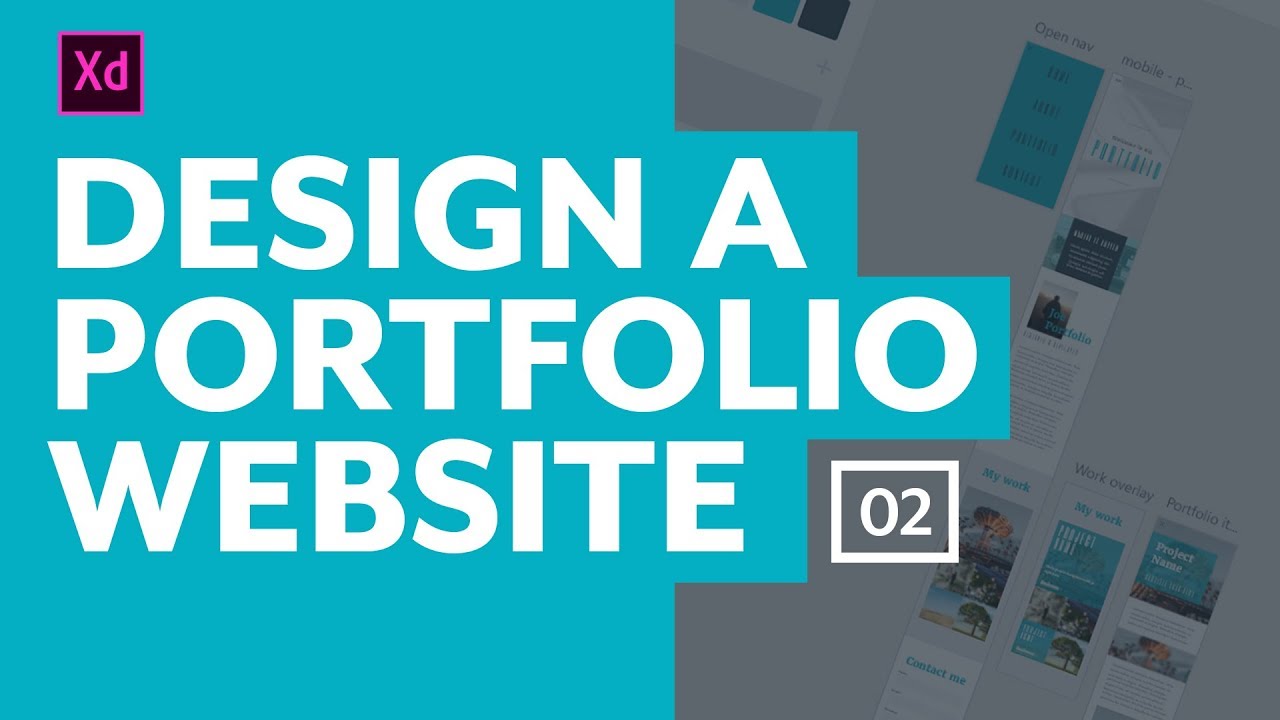
With the initial layout done, it's time to design the interactive elements. Namely, the navigation menu, as well as what people see when they hover over, and click on, a portfolio item.
We're diving a bit deeper into Adobe XD with this one, adding some artboards for our different states, and also using their prototype feature to see how things will look once the website is working.
---
Images used in my design:
https://unsplash.com/photos/_xjT0WB4AZQ
https://unsplash.com/new?photo=sO420o1QGIc
https://unsplash.com/new?photo=s8PHfXIJ7Xc
https://unsplash.com/new?photo=zyU2gQ9mWLM
https://unsplash.com/new?photo=tGTVxeOr_Rs
https://www.pexels.com/photo/silver-laptop-next-to-c...
https://www.pexels.com/photo/mountains-nature-sunset...
https://www.pexels.com/photo/information-sign-on-she...
https://www.pexels.com/photo/iphone-notebook-pen-wor...
---
New to Sass, or want to step up your game with it? I've got a course just for you: https://www.kevinpowell.co/learn-sass
---
Support me on Patreon: https://www.patreon.com/kevinpowell
I'm on some other places on the internet too!
If you'd like a behind the scenes and previews of what's coming up on my YouTube channel, make sure to follow me on Instagram and Twitter.
Instagram: https://www.instagram.com/kevinpowell.co/
Twitter: https://twitter.com/KevinJPowell
Codepen: https://codepen.io/kevinpowell/
Github: https://github.com/kevin-powellom/KevinJPowell