
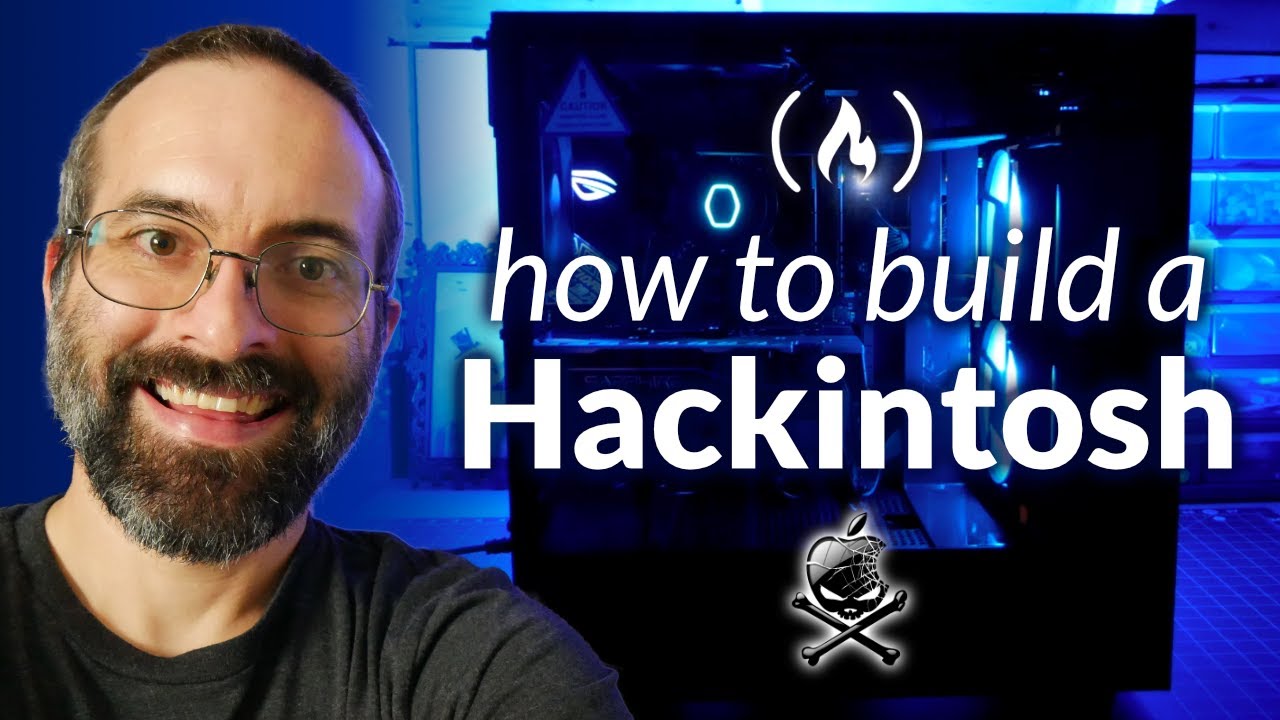
How to Build a Hackintosh - Step-by-Step Guide (Install MacOS Big Sur on PC)
דרג סרטון זה
התחבר כדי לדרג
תיאור
Save money by building a Hackintosh! Learn how to build a computer with PC parts and install macOS Big Sur using OpenCore. ✏️ Course developed by Beau Carnes. ⭐️ Computer Parts Used ⭐️ 🎉 All of this is close to 1/3rd the price of a Mac Pro with comparable specs! 🖱 Processor: Core i9 Octa-core i9-9900K | https://amzn.to/3u4n17T 🖱 Motherboard: Asus ROG Strix Z390-E Gaming Motherboard | https://amzn.to/2R3PX17 🖱 Graphics card: Sapphire Radeon 11265-05-20G Pulse RX 580 8GB | https://amzn.to/3e7x5aN 🖱 Ram: HyperX Fury 32GB 3200MHz DDR4 | https://amzn.to/2QyQEji 🖱 Solid State Drive: Sabrent 2TB Rocket NVMe PCIe M.2 2280 | https://amzn.to/3gKD9HO 🖱 Case: NZXT H510 | https://amzn.to/3aKAudi 🖱 Power supply: Corsair CX Series 650 Watt | https://amzn.to/3vx4Zez 🖱 CPU water cooler: Cooler Master MasterLiquid ML240L RGB V2 | https://amzn.to/3vus9Co 🖱 Wifi / Bluetooth Card: MQUPIN Wireless PCI-E Card, Fencvi T919 | https://amzn.to/3wU98Kt 🖱 Monitor: LG 27UN850-W 27 Inch Ultrafine UHD | https://amzn.to/3gLyrcH 🖱 Trackpad: Apple Magic Trackpad 2 | https://amzn.to/3nz80s1 🖱 Ethernet cable: https://amzn.to/3aRI31M 🔗 More about the legality: https://dortania.github.io/OpenCore-Install-Guide/why-oc.html#legality-of-hackintoshing 🔗 Learn how to create the USB installer in Windows instead of macOS: https://dortania.github.io/OpenCore-Install-Guide/installer-guide/winblows-install.html#making-the-installer ⭐️ Resources Referenced in Video ⭐️ 🔗 OpenCore Install Guide: https://dortania.github.io/OpenCore-Install-Guide/prerequisites.html#prerequisites 🔗 Hackintosh compatible hardware / parts: https://dortania.github.io/OpenCore-Install-Guide/macos-limits.html Software needed: 🔗 OpenCore: https://github.com/acidanthera/opencorepkg/releases 🔗 ProperTree: https://github.com/corpnewt/ProperTree 🔗 MountEFI: https://github.com/corpnewt/MountEFI 🔗 OC-Gen-X: https://github.com/Pavo-IM/OC-Gen-X/releases 💻 Command to make bootable installer for macOS Big Sur: sudo /Applications/Install\ macOS\ Big\ Sur.app/Contents/Resources/createinstallmedia --volume /Volumes/MyVolume 🔗 Find the commands for other versions of macOS here: https://support.apple.com/en-us/HT201372 🔗 Links for SSDTs (make sure to select the correct processor type): https://dortania.github.io/Getting-Started-With-ACPI/ssdt-methods/ssdt-prebuilt.html 💻 Device Properties for Coffee Lake: PciRoot(0x0)/Pci(0x2,0x0) AAPL,ig-platform-id 07009B3E framebuffer-patch-enable 01000000 framebuffer-stolenmem 00003001 💻 Boot-args: -v keepsyms=1 debug=0x100 alcid=1 prev-lang:kbd en-US:0 ⭐️ Course Contents ⭐️ ⌨️ (0:00) Introduction ⌨️ (2:48) Part 1 - Building the computer ⌨️ (43:36) Part 2 - Installing macOS Big Sur Product links are affiliate links. 🎉 Thanks to our Champion and Sponsor supporters: 👾 Wong Voon jinq 👾 hexploitation 👾 Katia Moran 👾 BlckPhantom 👾 Nick Raker 👾 Otis Morgan 👾 DeezMaster 👾 Treehouse -- Learn to code for free and get a developer job: https://www.freecodecamp.org Read hundreds of articles on programming: https://freecodecamp.org/news ❤️ Support for this channel comes from our friends at Scrimba – the coding platform that's reinvented interactive learning: https://scrimba.com/freecodecamp

![Git & GitHub Crash Course for Beginners [2026]](https://i.ytimg.com/vi/mAFoROnOfHs/hqdefault.jpg)


