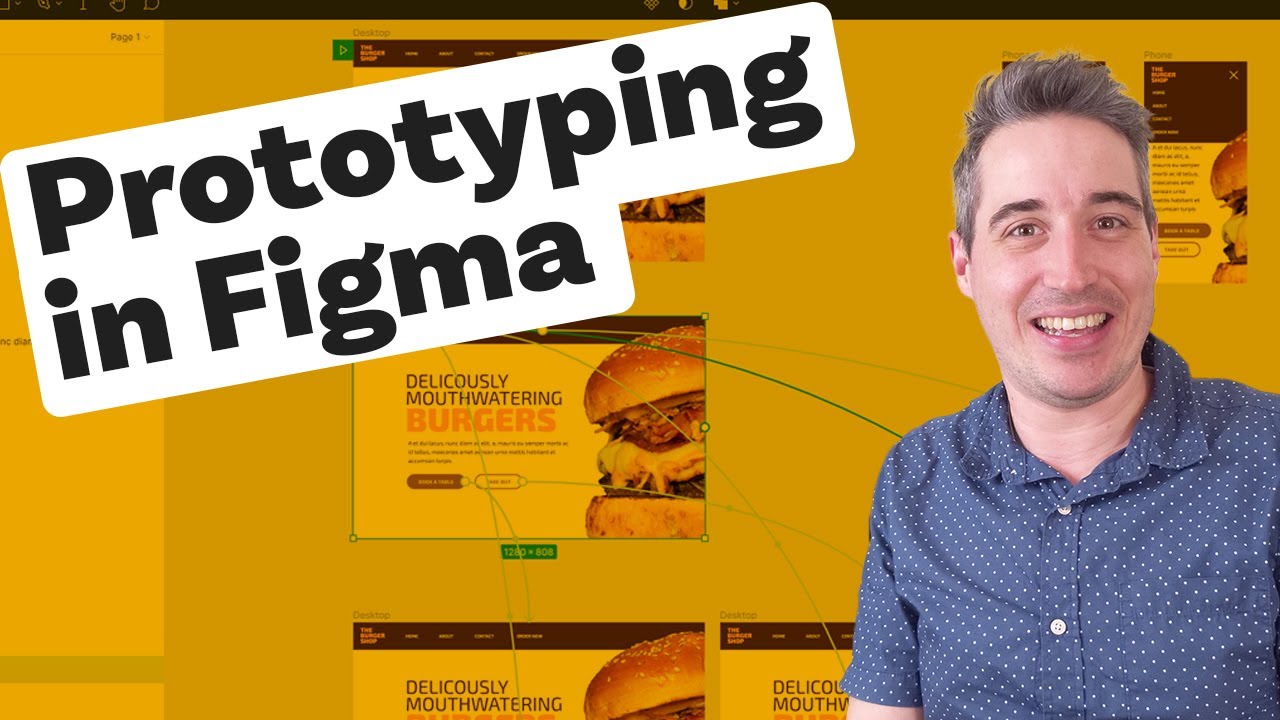
Prototyping animations with Figma
דרג סרטון זה
התחבר כדי לדרג
תיאור
Figma's prototyping tools are really awesome, whether it's to hand off to a developer, show what something will look like to a client, or just to play around with before you try to code it up yourself, you can quickly and easily get things working. In this video, we recreate a hover effect for desktop views, as well as a mobile menu opening and closing on click. -- Come hang out with other dev's in my Discord Community 💬 https://discord.gg/nTYCvrK --- Keep up to date with everything I'm up to ✉ https://www.kevinpowell.co/newsletter --- Help support my channel 👨🎓 Get a course: https://www.kevinpowell.co/courses 👕 Buy a shirt: https://teespring.com/stores/making-the-internet-awesome 💖 Support me on Patreon: https://www.patreon.com/kevinpowell --- My editor: VS Code - https://code.visualstudio.com/ --- I'm on some other places on the internet too! If you'd like a behind the scenes and previews of what's coming up on my YouTube channel, make sure to follow me on Instagram and Twitter. Instagram: https://www.instagram.com/kevinpowell.co/ Twitter: https://twitter.com/KevinJPowell Codepen: https://codepen.io/kevinpowell/ Github: https://github.com/kevin-powell --- And whatever you do, don't forget to keep on making your corner of the internet just a little bit more awesome!